http://www.completevb.com
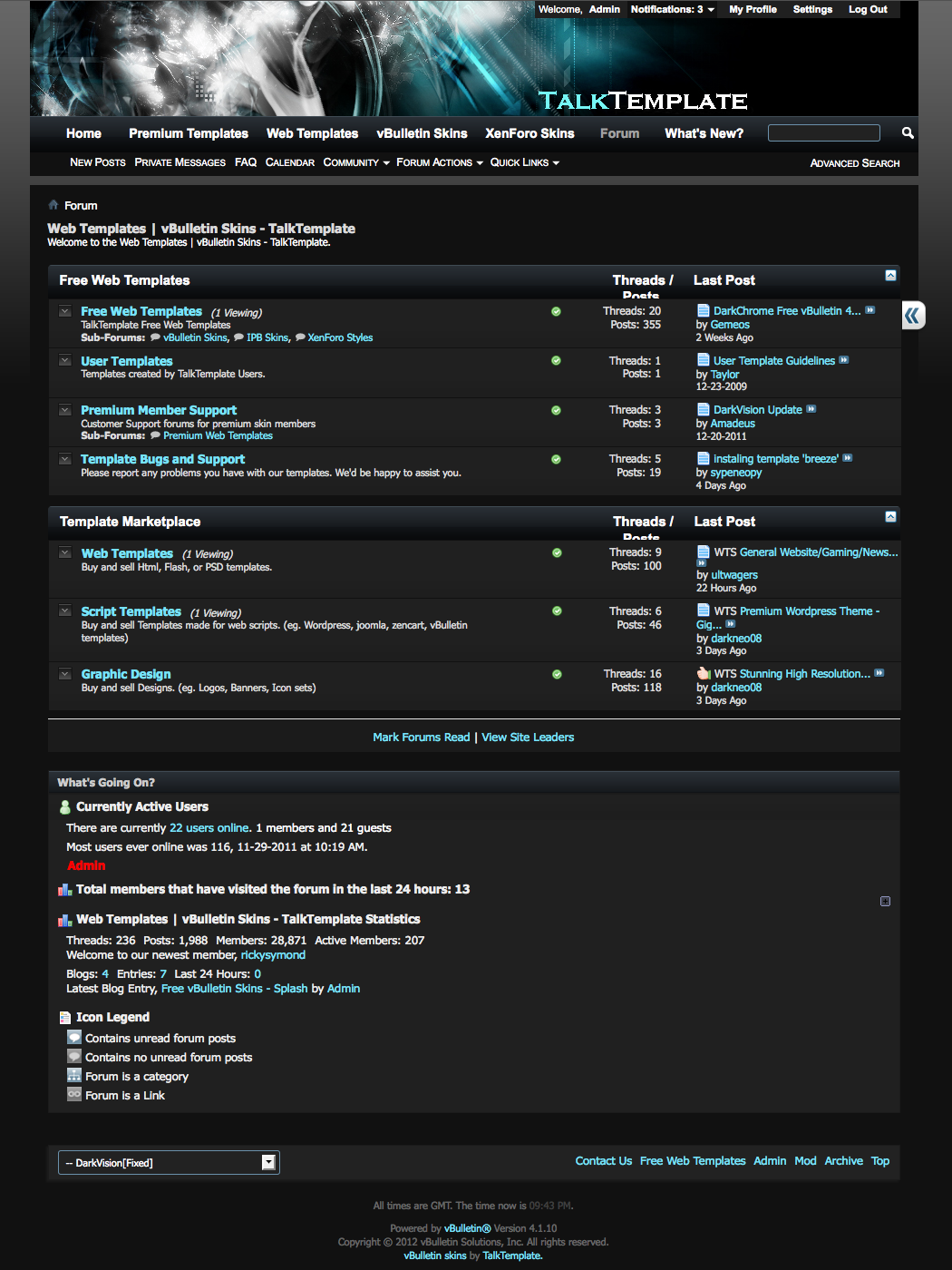
A.The list of skins
Animated Arena Skin
Blue Demon Skin
Color Theory Skin
Creative Creature Skin
Crystal Clean Skin
Funky Fresh Skin
Royal Flush Skin
Totally Pro Skin
Underground Style Skin
Vision Collision Skin
B.Installation
Step 1 - Install Modules/Products
We included a few modules with each skin to help give your style more functionality. Make sure you install
these modules before
1. Log in to your Admin CP (ex.. http://www.domainname.com/forumdir/admincp )
2. Once logged in expand "Plugins & Products" then click "Manage Products"
3. At the bottom of "Installed Products" Click [Add/Import Product].
4. Browse and install each of the product- files located within the package file.
Step 2 - Install XML file
You MUST install the Modules/Products BEFORE you install the skin files. Please make sure you follow
Step1 before you continue.
1. Log in to your Admin CP (ex.. http://www.domainname.com/forumdir/admincp )
2. Once logged in expand "Styles & Templates" then click "Download / Upload Styles"
3. Under "Import Style XML File" Browse to the location where you downloaded the "vbulletin-style.xml" file on your computer.
4. Give this theme a Title as it will appear for the skin.
5. If your vBulletin is version 3.7.x, click the "Ignore Style Version" button as the skin should work regardless. If your skin is older we urge you
to update your vBulletin board, if this is not applicable please post on the support board with the version of your site and we'll do our upmost to
give you a working skin for your version.
6. Then go to "vBulletin Options", "Use Legacy (Vertical) Postbit Template" and click Yes.
Step 3 - Upload Images (via FTP)
1.Browse to your root vBulletin folder (the one with announcements.php, index.php etc...)
2.Upload the folder named images/.
Theme should now be installed and ready to use. You should also be able to view the skin in the Style Selector
normally placed at the bottom of the page.
C.Setting Theme as Default
1. Log in to your Admin CP
2. Once logged in click on "vBulletin Options"
3. Now locate the "Style & Language Settings" section and select it, then click Edit Settings
4. Under Default Style select your styles name, and click Save
** Exclusive VIP MEMBERS Content: Reply to see the content **
Click here to become VIP Member to download or access it!




 Reply With Quote