What is Instapage?
Instapage is a famous online landing page creator tool, it is very easy to use and thousands of affiliate marketers are using it worldwide.
It has its price, but I am going to show you the method How to use Instapage without paying for it.Smile
Step 1. - Create an account at Instapage(instapage.com)
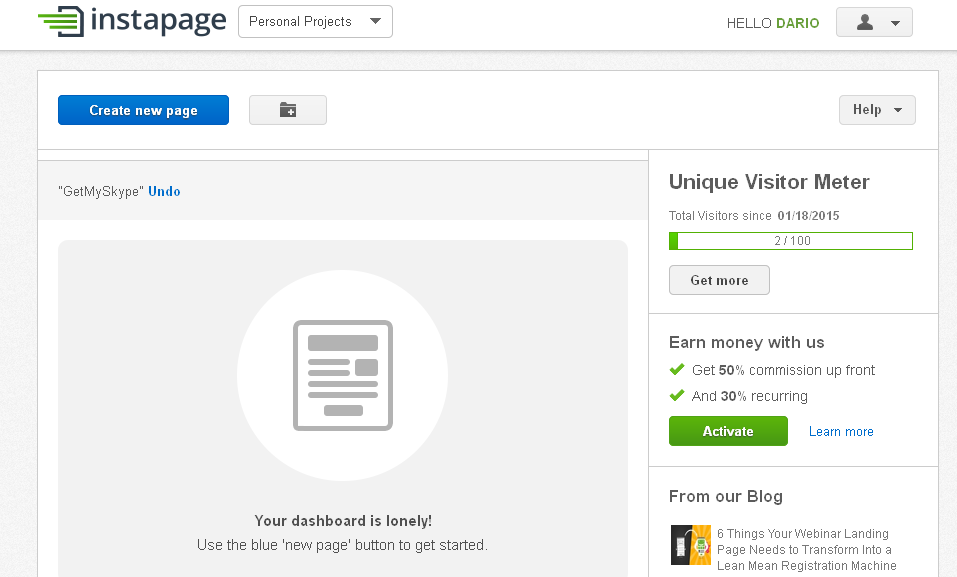
Go ahead and create an account there, it is free to do it. Once you are done, log into your Instapage account and you will be able to see your dashboard like on the picture below.
Step 2. - Start to build your first landing page!
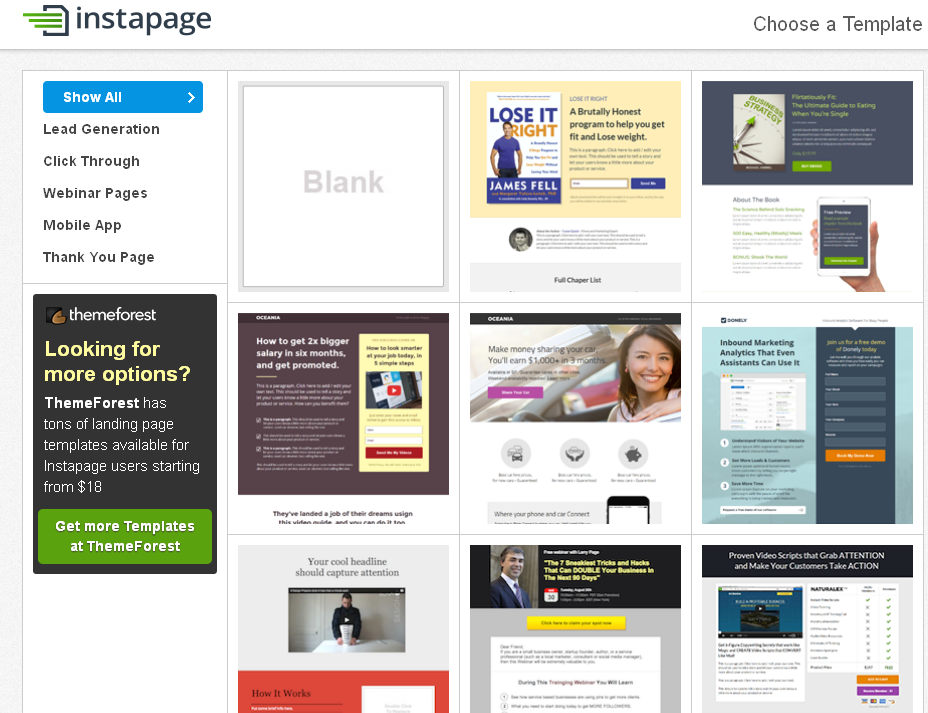
Click on "Create new page" button to build your landing page. After that you will see a pop up with "Chose a template option bellow", you should go for "Drag and drop".
You`ll see a bunch of great looking templates that you can just customize by your choice or If you like you can start one from scratch.
In this example I will be using "blank" template so I have to build my landing page from scratch, but do not forget - it`s drag and drop!
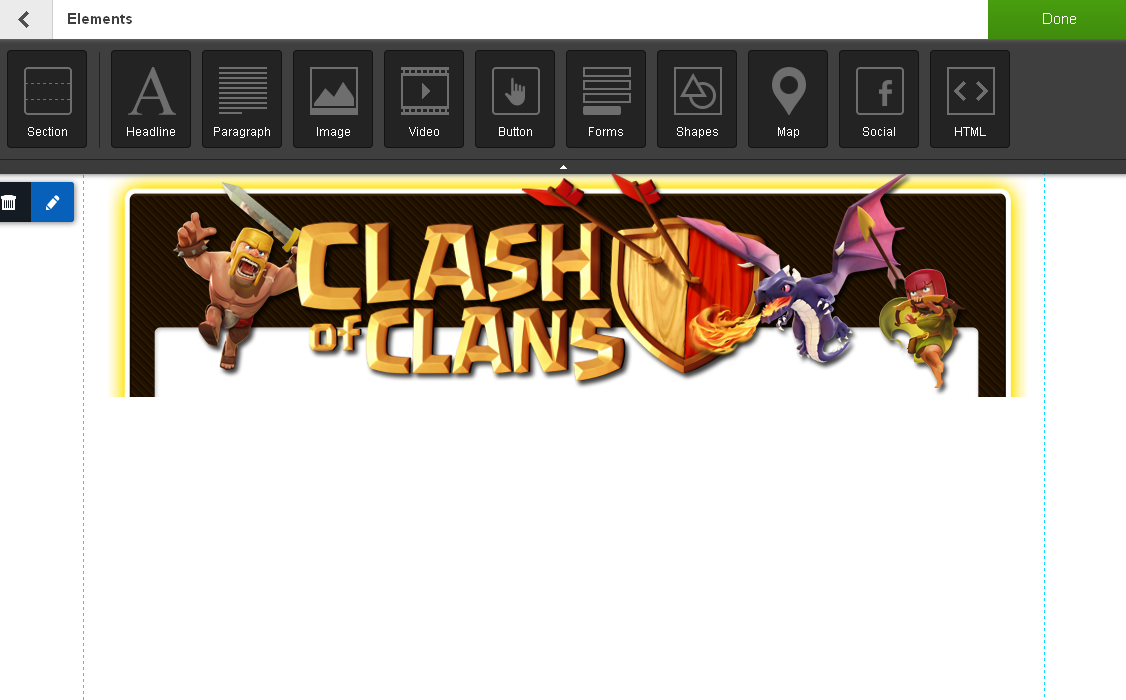
If you click on "Add new", you will discover all elements you can add to your page - Headline, Paragraph, Image, Video, Button, Forms, Shapes, HTML,etc.
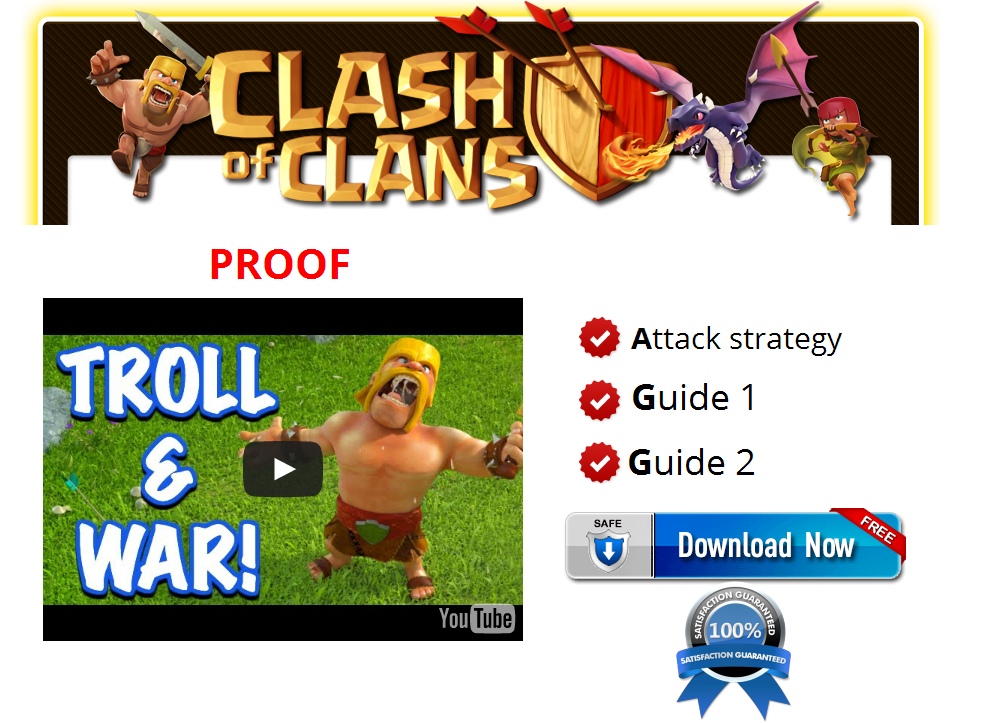
I was just searching for "clash of clans header" and added it as my page header, you even`t don`t have to download the image, just copy paste image location and add it to your page(Upload from URL option).
Later on I have added the video and button to my landing page, checklist as well.
Step 3. - Publish your landing page!
If you follow steps above you should have your first landing page already, now we should publish it.
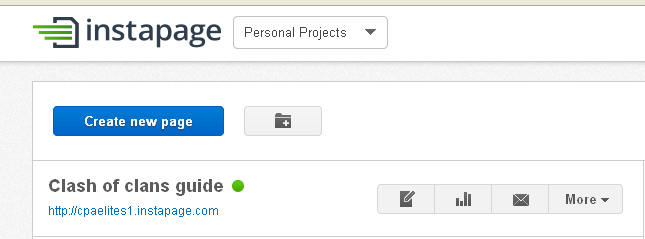
Click on "Save" then on "Publish" button. It will ask you how would you like to publish it, select Instapage. Type your desired Instapage url as I did.
You should see in your dashboard all of your published/online sites. (See the picture below)
Click on your instapage url and you will see how it looks like in live.
FINAL STEPS
In final steps I am going to show you how to get unlimite Instapage landing pages for free instead of paying monthly for it.
Instapage account has some limits, you can create ONLY one landing page and you are allowed to have ONLY 100 visits on the same.
To download your landing page and upload it to your own server, all you have to do is to visit your instapage url, then "View page source", copy paste your HTML code to notepad or any other text editor and save it as "nichename.html".
Upload your HTML file to your own hosting and your landing page should be live.
Instapage allows only ONE site to be online in your dashboard so once you created your landing page on Instapag + uploaded it to your hosting, make sure and delete it from your landing page.
This way you can create UNLIMITED landing pages with this drag and drop lander creator.
My final product.
Hopefully I have helped out newbies at least with this leak, thanks for reading!



 Reply With Quote